

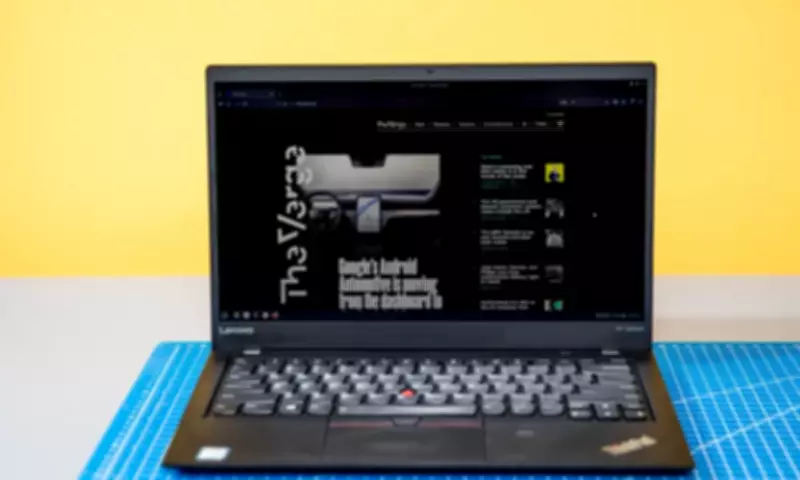
How Linux Breathed New Life into a Struggling Windows Laptop
In a compelling tech rescue story, a user recently detailed how embracing Linux transformed a nearly doomed Windows laptop into a functional and efficient machine. The original device, running on an outdated Windows operating system, had become sluggish, plagued by constant updates, and was on the brink of being discarded due to poor performance.
The Downfall of the Windows System
The laptop in question was initially equipped with a Windows operating system that had grown increasingly burdensome over time. Users reported frequent slowdowns, excessive resource consumption, and a barrage of updates that often disrupted workflow. As the hardware aged, the Windows environment struggled to keep up, leading to a frustrating user experience where even basic tasks like web browsing or document editing became laborious.
Many factors contributed to this decline, including bloatware, security vulnerabilities, and compatibility issues with newer software. The owner faced a dilemma: invest in costly hardware upgrades or consider the laptop as e-waste. However, a third option emerged—switching to an alternative operating system.

The Linux Solution: A Fresh Start
By installing a lightweight Linux distribution, such as Ubuntu or Linux Mint, the user was able to bypass the limitations of Windows. Linux, known for its open-source nature and minimal system requirements, offered a streamlined experience that revitalized the old hardware. Key benefits included:
- Improved Performance: Linux distributions are often less resource-intensive, allowing the laptop to run faster and more smoothly, even with limited RAM and processing power.
- Enhanced Stability: With fewer background processes and a focus on efficiency, Linux reduced crashes and freezes, providing a more reliable computing environment.
- Cost-Effective: As free and open-source software, Linux eliminated the need for expensive licenses or upgrades, making it an economical choice for reviving old devices.
- Customization Options: Users could tailor the Linux setup to their specific needs, from desktop environments to software packages, enhancing productivity without bloat.
Practical Steps for the Switch
For those considering a similar transition, the process involves several straightforward steps. First, back up important data from the Windows system to prevent loss. Next, choose a user-friendly Linux distribution that matches the laptop's specifications—lightweight versions are ideal for older hardware. Then, create a bootable USB drive and install Linux, either as a dual-boot option or as a complete replacement for Windows.
After installation, users can explore a vast repository of free software, including office suites, web browsers, and multimedia tools, all optimized for Linux. While there might be a learning curve, especially for those accustomed to Windows, online communities and tutorials provide ample support for newcomers.
Broader Implications for Tech Sustainability
This story highlights a growing trend in technology: repurposing old hardware through open-source solutions to reduce electronic waste. By extending the lifespan of devices like laptops, Linux contributes to environmental sustainability and offers an affordable alternative in regions with limited access to new technology.
Moreover, it underscores the versatility of Linux in various contexts, from personal use to educational and professional settings. As software demands evolve, such adaptations demonstrate how innovation can come from simplicity, rather than constant hardware upgrades.
In conclusion, the rescue of a doomed Windows laptop by Linux serves as a testament to the power of open-source software. It not only saved a device from obsolescence but also empowered the user with a faster, more stable, and cost-effective computing experience. For anyone facing similar tech struggles, this approach offers a viable path to rejuvenation without breaking the bank.